

ASCENDING Home
Jarvis AI
Cloud Services
Talent Solutions
Public Sector
About
Contact Us
image
Frequently Asked Questions

Everything you need to know
about the MCP Gateway

Answers to common enterprise questions about MCP discovery, access control, federation, downstream OAuth, and observability. Can't find what you're looking for? Schedule a call.

Overview

About the MCP Gateway

An MCP gateway provides the endpoint AI clients use to discover and invoke MCP servers. Jarvis Registry combines that gateway role with a catalog of registered servers and their access settings.

Jarvis documents a single Registry Endpoint for clients to discover and invoke resources available to their authenticated users.
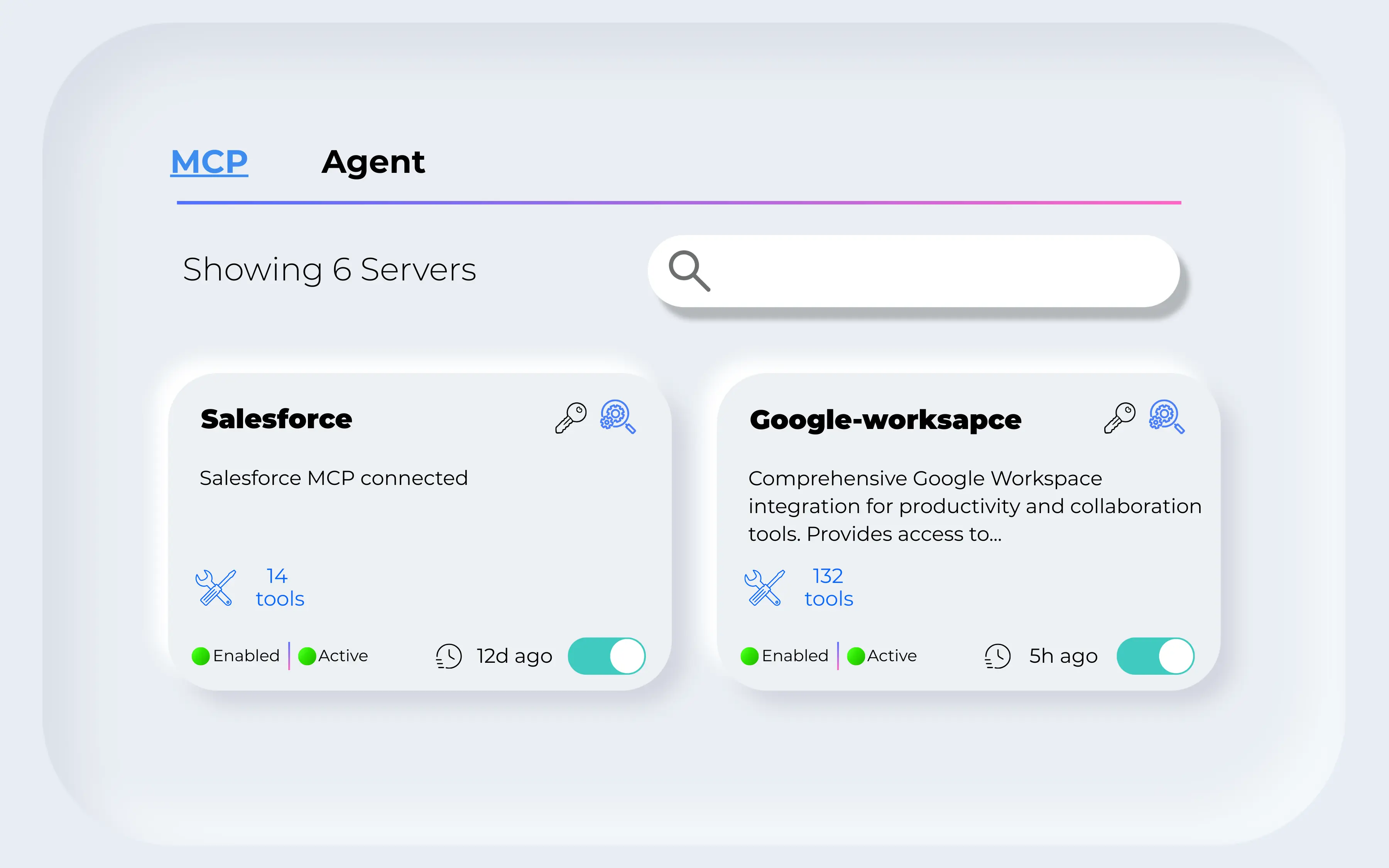
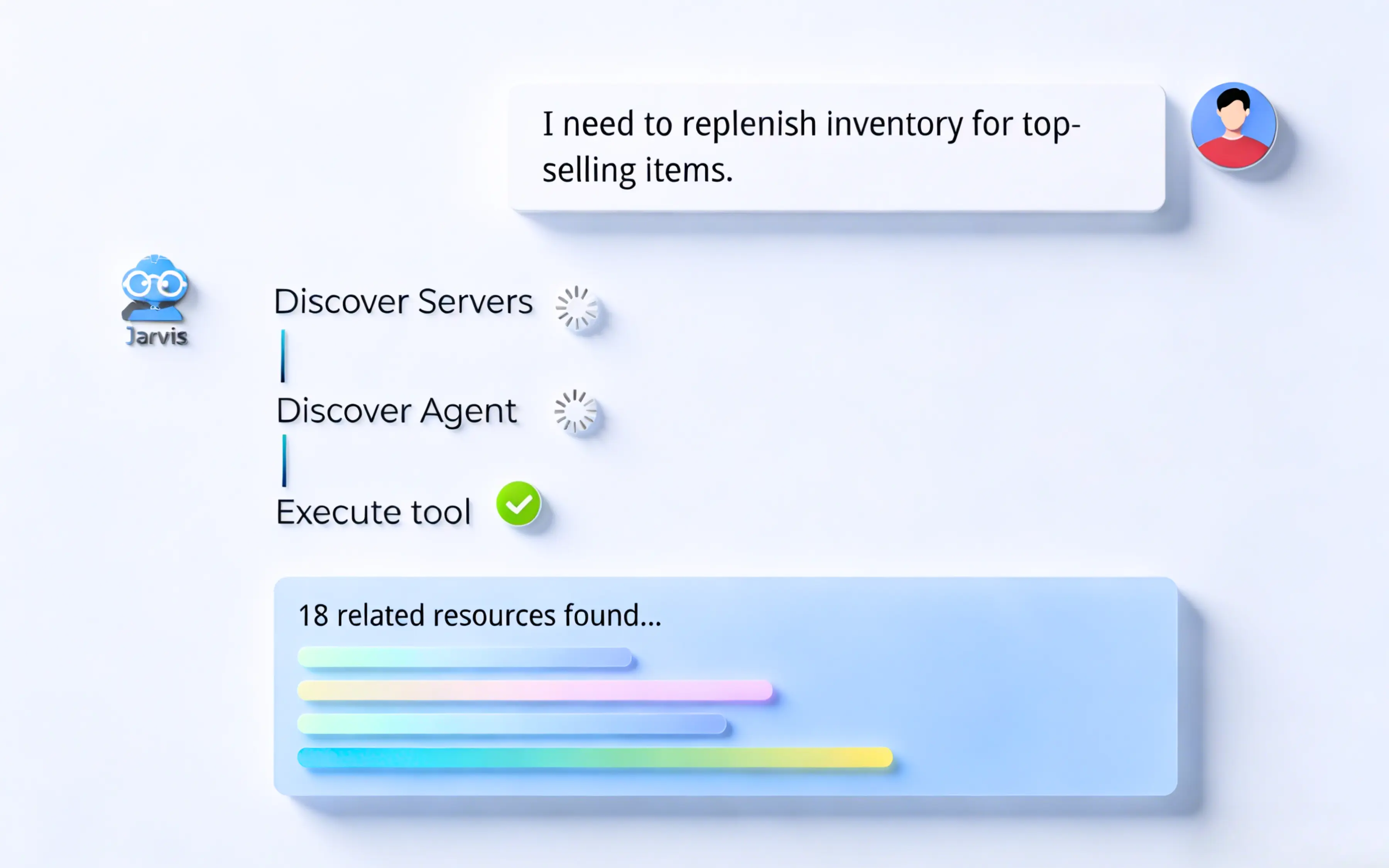
The MCP Gateway focuses on tool, resource, and prompt invocation against MCP servers. The Agent Gateway focuses on autonomous agents and agent-to-agent orchestration.

Both are part of Jarvis Registry and share identity, policy, and observability controls, but they operate on different runtime objects and invocation models.

Federation

Multi-cloud MCP federation

The AgentCore federation documentation describes importing MCP servers and agents from AWS AgentCore. The Azure AI Foundry federation documentation describes importing agents.

The federation guides describe connecting to those external resources and applying the Registry sharing model after import; they do not document MCP-server federation from Azure AI Foundry.

The published integration guides document importing MCP servers and agents from AWS AgentCore, and agents from Azure AI Foundry, into Jarvis Registry.

Imported resources can be reviewed and shared using the Registry access model. The docs do not describe Azure AI Foundry MCP-server federation.

Downstream OAuth

Downstream authentication and credentials

The MCP server registration guide lists no authentication, API key, and OAuth 2.0 as server authentication options.

For OAuth-protected servers, the registry documents storing downstream credentials and refreshing access tokens when needed.

The registry stores downstream OAuth credentials encrypted at rest and can refresh an expired or near-expiry access token. The calling copilot does not receive the raw credential.

The public documentation does not specify the encryption algorithm or document OAuth 2.1, PKCE, or RFC 8707 behavior for the MCP Gateway.

Governance

Policy, access control, and audit

Jarvis Registry combines RBAC scopes with resource ACLs. The product FAQ describes access control down to individual MCP tools; resources default to private until they are shared.

The public security documentation describes authentication, endpoint scopes, and resource ACL checks. It does not establish a per-invocation audit stream.

The MCP Registry sharing documentation lists individual users, identity-provider groups, or all authenticated users as sharing targets.

Available permissions include VIEW, EDIT, and OWNER; users must be explicitly granted access unless the resource is published to authenticated users.

Operations

Observability and troubleshooting

The observability guide documents OpenTelemetry and Prometheus metrics for registry operations, MCP discovery and execution, server requests, resource access, prompt execution, and latency.

Telemetry can be exported through the OpenTelemetry Collector to configured backends. The guide does not claim that MCP arguments, identity, or policy snapshots are recorded for each call.

Check that the user has the required access, the downstream credentials are valid, and the client can reach the gateway endpoint.

The Registry FAQ recommends checking authentication, ACL rules, network access, and service logs when an MCP client cannot connect.

Yes. An administrator can remove a user or group from a server’s sharing settings or change its visibility in the Registry.

The public documentation describes the available ACL controls but does not specify a propagation-time guarantee for revocation.

MCP Gateway specifications

These are the deployment, transport, access, credential, federation, and observability details documented for the MCP Gateway.

Documented deployment and capability details for the MCP Gateway.
SpecificationValue
Production deploymentKubernetes on Amazon EKS or Azure AKS, according to the production deployment guide
MCP transportsHTTPStreamable and SSE
Downstream authenticationNo authentication, API key, or OAuth 2.0 can be selected during server registration
OAuth credentialsStored encrypted at rest; access tokens can be refreshed when expired or near expiry
Access modelRegistry scopes and resource ACLs; resources are private by default until shared
FederationAWS AgentCore documentation covers MCP servers and agents; Azure AI Foundry documentation covers agents
ObservabilityOpenTelemetry and Prometheus metrics for registry, authentication, and MCP activity
MCP activity metricsDocumented signals include discovery, tool execution, resource access, prompts, and latency

Watch a governed MCP integration end to end

A walkthrough of an MCP server connection through the gateway, including discovery and access checks.

Jarvis x GitHub Integration | AI-Powered Analytics & Team Insights · 3 min 10 sec

MCP Gateway at a glance

The MCP Gateway provides a client-facing endpoint for registered MCP servers. These 6 rows summarize the documented deployment, access, credential, and observability behavior.

Reference facts for the Jarvis MCP Gateway, covering discovery, transports, credentials, federation, access, and telemetry.
ConcernDocumented behavior
DiscoveryThe Registry Endpoint exposes the MCP servers an authenticated user is permitted to access.
Existing serversRegistration records the MCP server URL, transport, authentication type, and searchable metadata.
AuthorisationThe registry supports OAuth 2.0 for downstream MCP servers and documents access-token refresh.
TransportsThe MCP registration guide lists HTTPStreamable and SSE server transports.
Access policyRBAC scopes and resource ACLs govern access; resources are private by default until shared.
TelemetryOpenTelemetry and Prometheus cover platform and MCP activity metrics, including latency.

How to put a gateway in front of your MCP servers

Follow the documented deployment and Registry workflow to connect clients to approved MCP servers through one endpoint.

  1. Deploy the gateway. The production deployment guide covers an existing Kubernetes cluster on Amazon EKS or Azure AKS.
  2. Register the servers. Add each server URL to the catalog and select its transport and authentication type.
  3. Set access permissions. Use Registry scopes and ACL sharing to grant the appropriate users or groups access to each resource.
  4. Configure downstream OAuth when needed. For OAuth-protected servers, configure the provider and scopes; Jarvis documents encrypted credential storage and token refresh.
  5. Point clients at one endpoint. Connect MCP-compatible clients to the Registry Endpoint to discover and invoke the resources available to them.

Governance and discovery in practice

The gateway is where tool sprawl becomes a governed catalog: servers are discovered automatically, then exposed only through explicit policy.

Jarvis MCP Gateway governing access policy for enterprise MCP servers and tools
Policy is evaluated per invocation, not once at integration time.
Auto-discovery of enterprise MCP servers registered behind the Jarvis MCP Gateway
Auto-discovery keeps the catalog aligned with the MCP servers teams actually run.

Related Jarvis resources

The MCP Gateway is one part of Jarvis Registry. These pages explain related gateway, registry, and governance roles.

Standards and references

First-party product documentation for the capabilities described on this page.

Still have questions?

Our team is happy to walk you through architecture, security, and pricing specific to your environment.