Jarvis AI
Talent Solutions
Public Sector
About
Contact Us
image
Jarvis AIChat

Jarvis Chat: Enterprise Chat Interface,
Governed Your Way

Access multiple AI models through one interface with built-in security, compliance, and monitoring.

Schedule a Demo
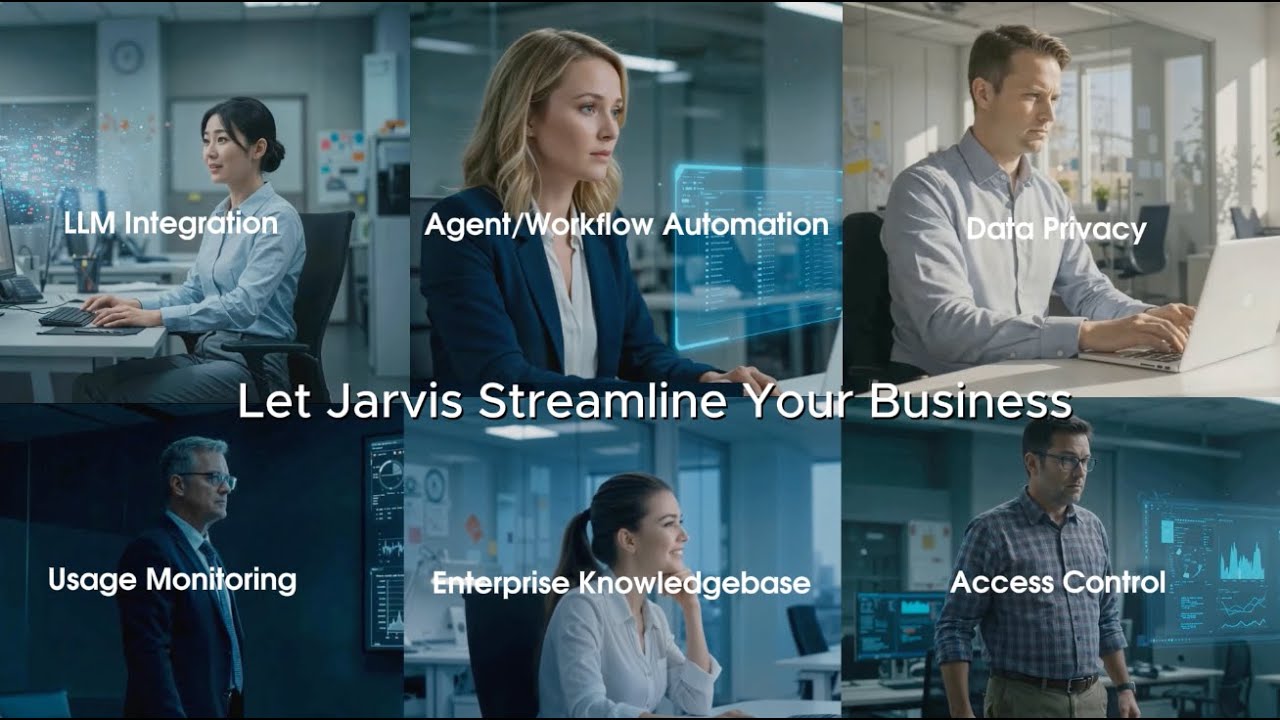
Meet Jarvis: Simplifying AI Adoption

Everything Your Team Needs

Enterprise-ready capabilities for governed AI adoption.

01 — Access Control

Precise Control Over AI Access

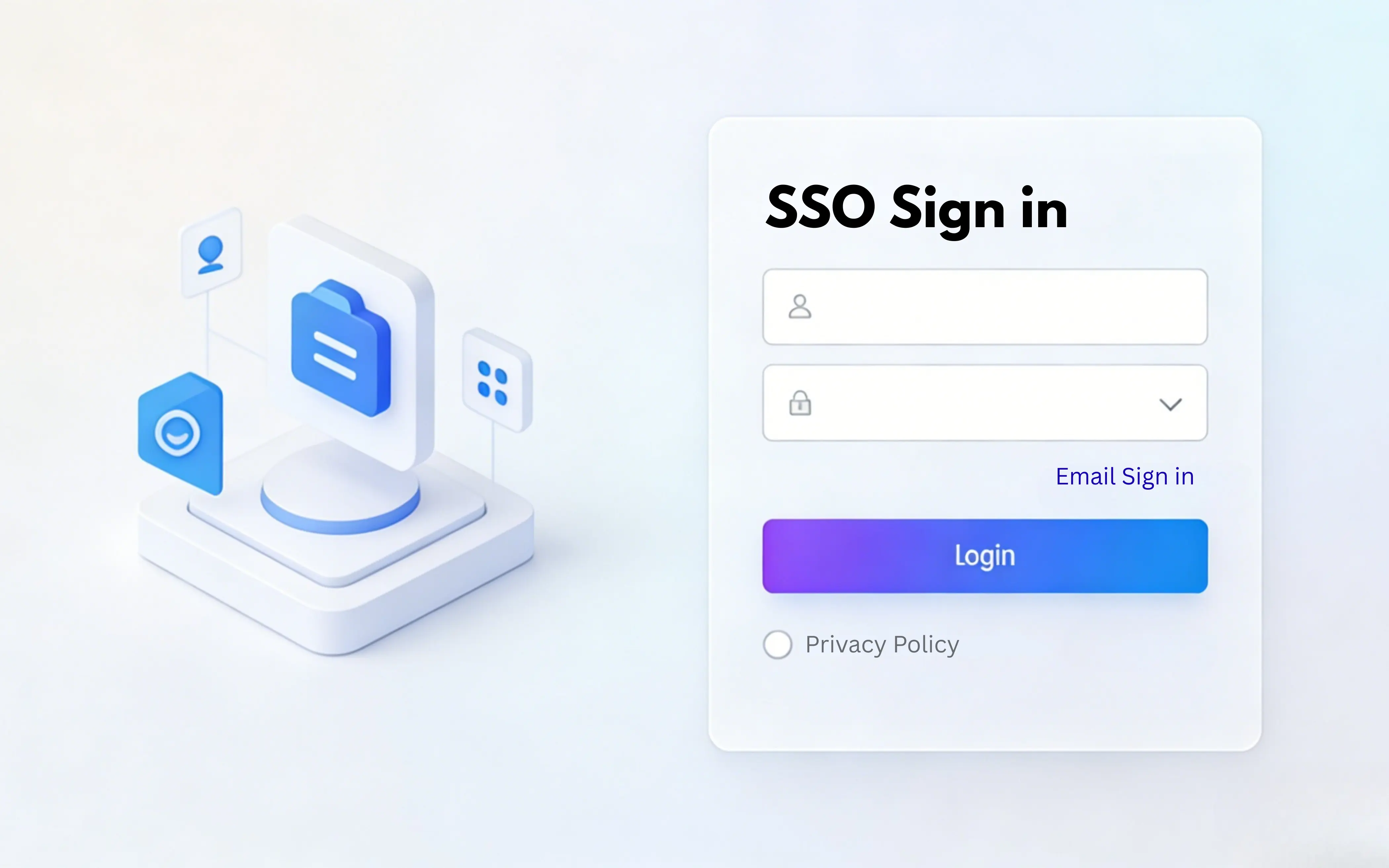
Integrate with your enterprise identity provider to enforce group and role-based security rules. Control exactly who can access which AI models, tools, and knowledge bases.

SSORBACSAML / OAuth
01-Access Control
02 — LLM Integration

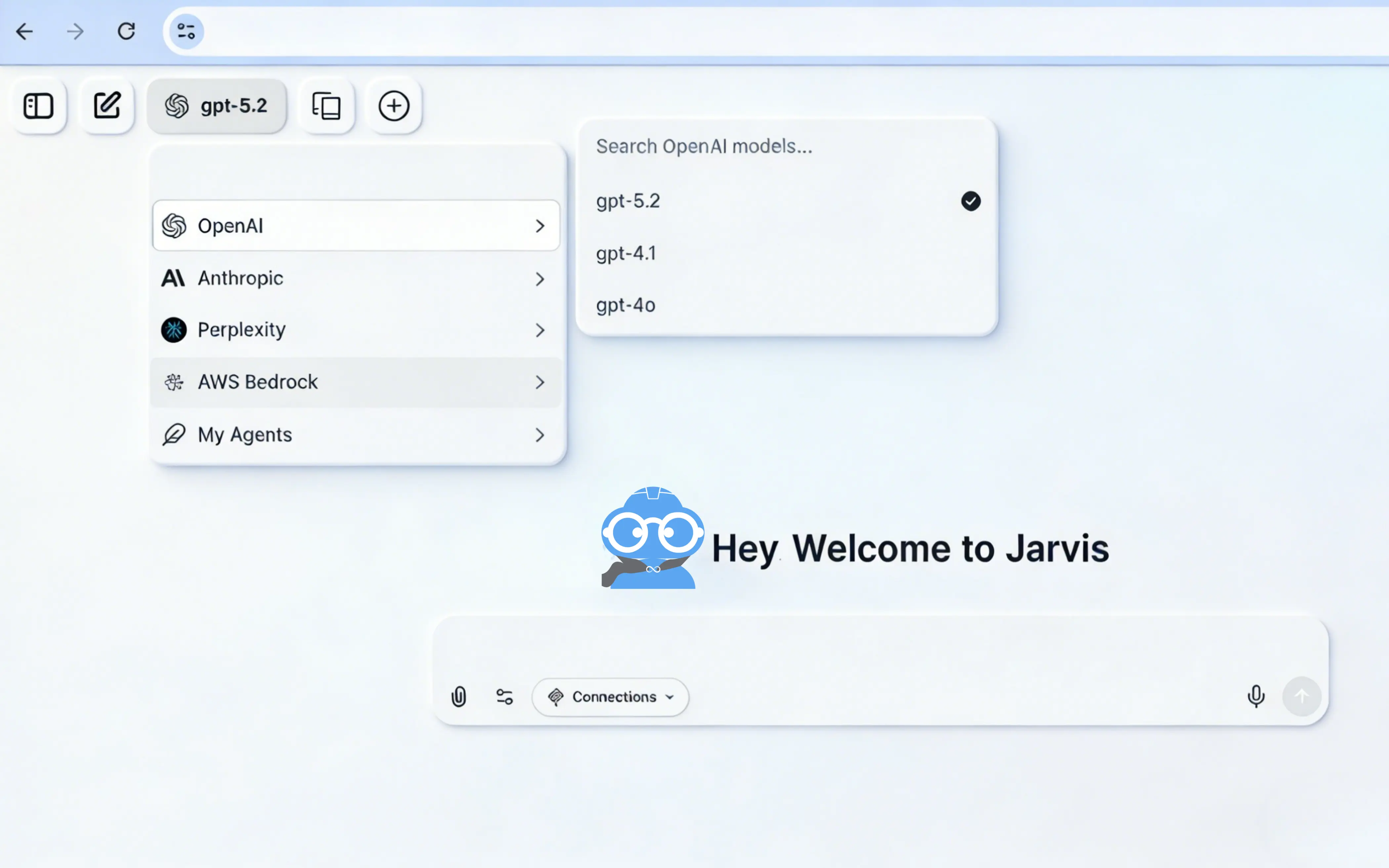
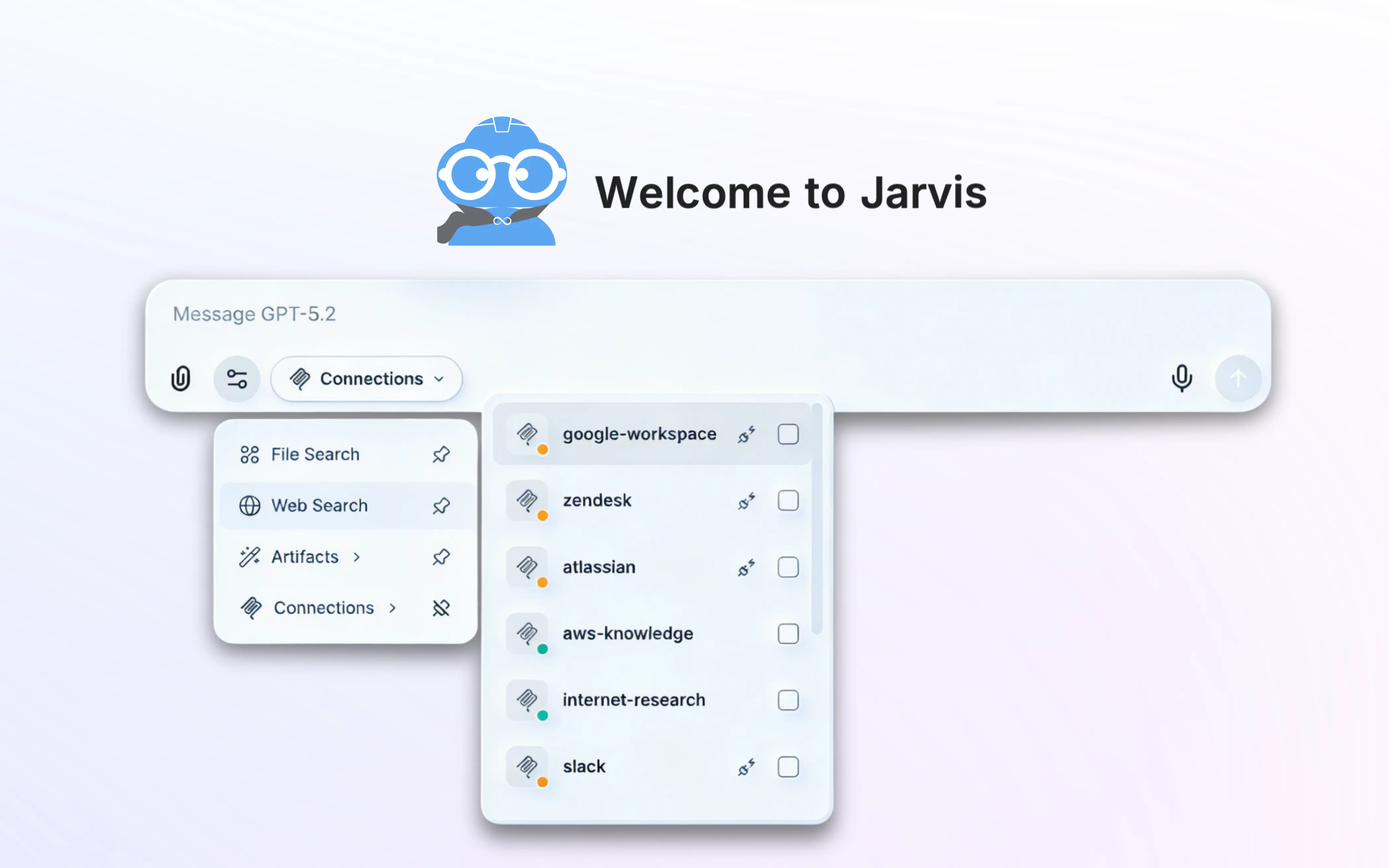
Any Model, One Interface

Seamlessly integrate with OpenAI, Anthropic, AWS Bedrock, and more. Switch between models, compare outputs, and route requests to the optimal provider — all from one chat interface.

OpenAIAnthropicAWS Bedrock+More
02-LLM Integration
03 — Data Privacy

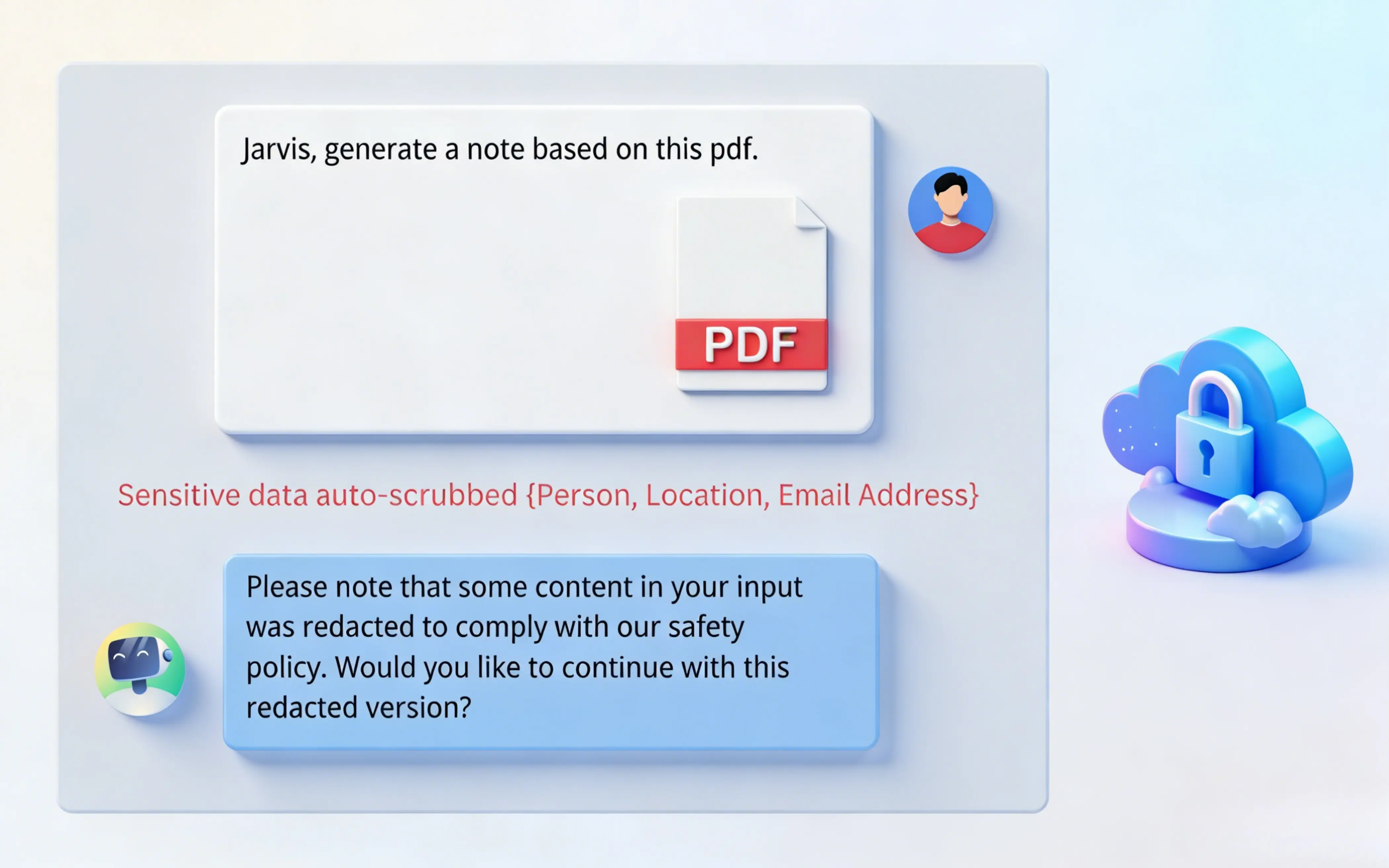
Guardrails That Match Your Policy

Enforce enterprise data security standards with customizable AI guardrails. Define what data can be shared, set PII detection rules, and tailor privacy policies to your compliance needs.

PII DetectionDLP PoliciesCustom Rules
03-Data Privacy
04 — Embed Anywhere

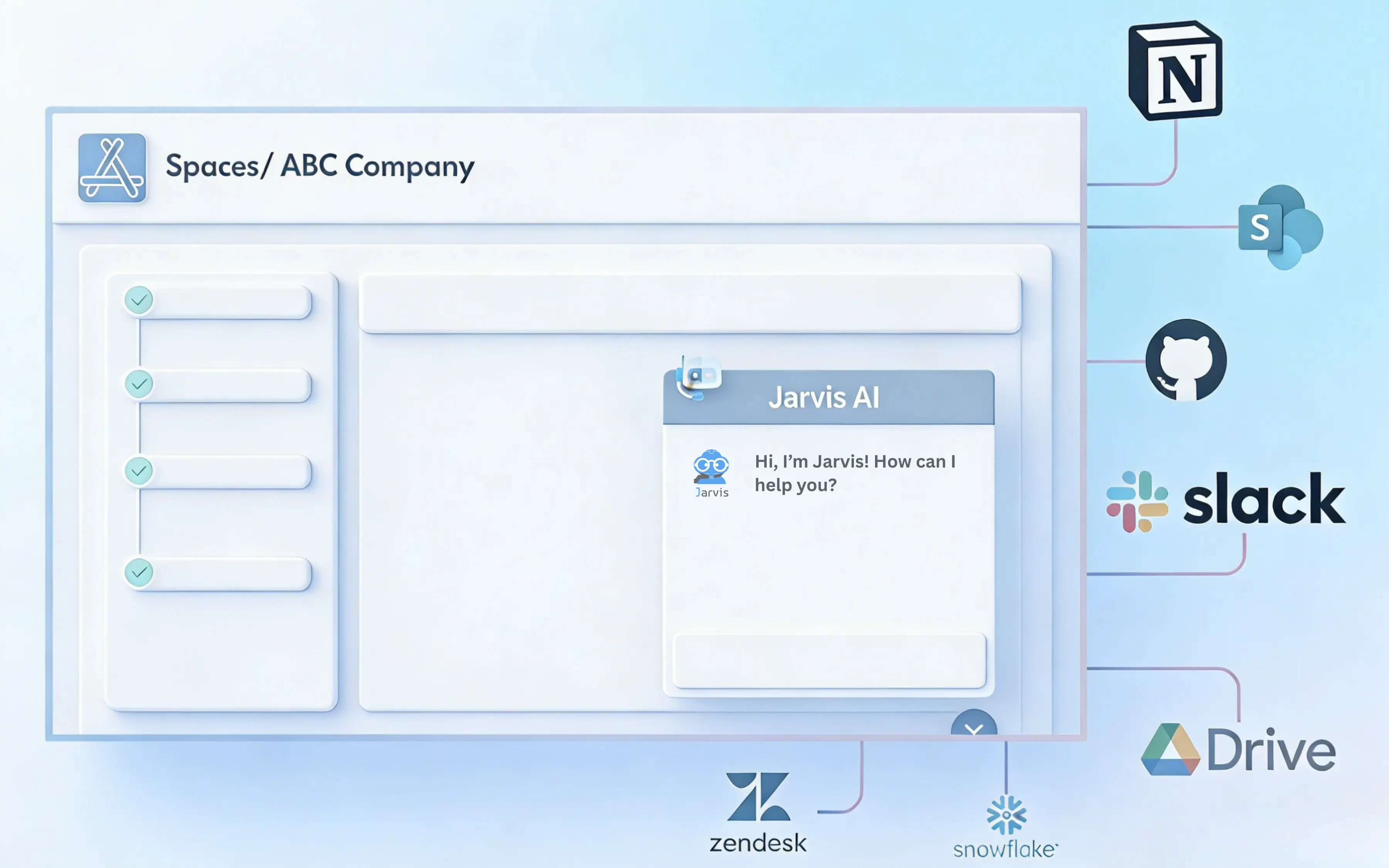
Deploy Jarvis Chat in Any Surface

Use our SDK to embed Jarvis Chat directly into your existing applications, portals, and internal tools. Give every team a governed AI experience without leaving the products they already use.

JavaScript SDKWeb ComponentsiFrame Support
Jarvis AI Frontend Embedding — Embed an AI Chat Assistant Into Any Platform
05 — Agent Automation

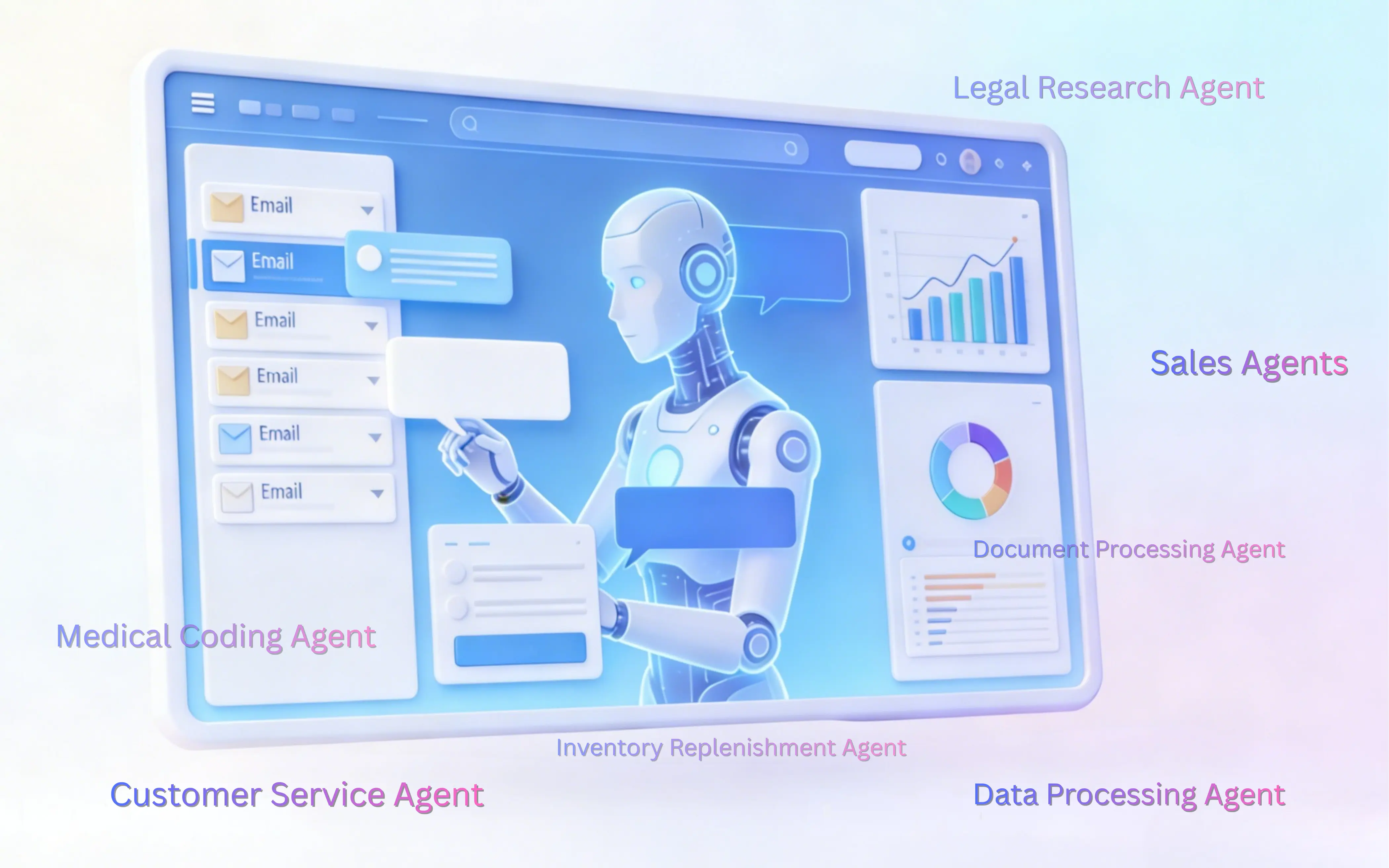
AI Agents That Work For You

Leverage intelligent automation through AI-driven agents. Automate routine tasks, orchestrate complex workflows, and free your teams for strategic work.

WorkflowsTask AutomationOrchestration
05-Agent Automation
06 — Enterprise Knowledgebase

Your Data, AI-Powered

Centralize organizational knowledge and make it instantly accessible through AI. Upload documents, connect data sources, and get accurate answers grounded in your enterprise data.

RAGDocument UploadGrounded Answers
Jarvis Knowledge Base Overview

See It in Action

Watch Jarvis Chat tackle real-world enterprise challenges.

Ready to Get Started?

See how Jarvis Chat can transform your team's AI experience with governance built in.

Schedule a Demo
At a glance

Jarvis Chat

Jarvis Chat is a governed multi-model workspace that runs inside your own cloud account, so teams get a single AI interface without the data-boundary problem that comes with public chat tools. These 6 rows cover what security review asks first.

Reference facts for Jarvis Chat, covering hosting, model access, identity, knowledge, and embedding.
QuestionAnswer
Where does it run?Your Kubernetes cluster on 1 of 3 clouds — Amazon EKS, Azure AKS, or Google GKE. No prompt leaves your environment.
Which models?Multiple providers behind 1 interface, switchable per conversation rather than fixed at deployment time.
Who can use what?Azure EntraID sign-in with RBAC, plus ACL rules scoping individual models and sources to named users or teams.
What can it read?Uploaded documents and connected internal sources, so answers are grounded in your content, not public web data.
Can it be embedded?Yes — the interface can be deployed into an existing internal portal or application rather than as a separate destination.
What gets logged?Every prompt, response, model selection, and citation, retained in your environment for audit and SIEM ingestion.
Specifications

Jarvis Chat technical

A governed workspace is defined by where it runs and what it is allowed to reach. These rows fix both, and name the standards behind identity, transport, and tool access so each claim can be checked at source.

Hosting, model access, identity, and knowledge specifications for Jarvis Chat.
SpecificationValue
Delivery modelLicensed, customer-hosted software — 0 shared control plane
Runtimes3 managed Kubernetes services — Amazon EKS, Azure AKS, Google GKE
Model providersMultiple behind 1 interface, switchable per conversation
Managed runtimeAmazon Bedrock among the supported model backends
Caller identityAzure EntraID via OpenID Connect Core 1.0; SAML 2.0 supported
AuthorizationOAuth 2.0 (RFC 6749) with Bearer usage per RFC 6750
Token formatJSON Web Token (RFC 7519)
Access granularity1 ACL entry per model and per knowledge source
Knowledge sources12 supported source types, retrieval bound to caller identity
Tool accessModel Context Protocol (MCP) over JSON-RPC 2.0
Embedding options3 — JavaScript SDK, Web Components, and iFrame
Guardrails100+ prebuilt policies across 4 control layers
Transport securityTLS 1.2 minimum, TLS 1.3 preferred (RFC 8446)
Audit recordEvery prompt, response, model choice, and citation, retained in-account
Procurement2 marketplaces, 3 standard tiers, USD 18,000–60,000
Customer rating5 out of 5 from 1 verified AWS Marketplace review
Watch

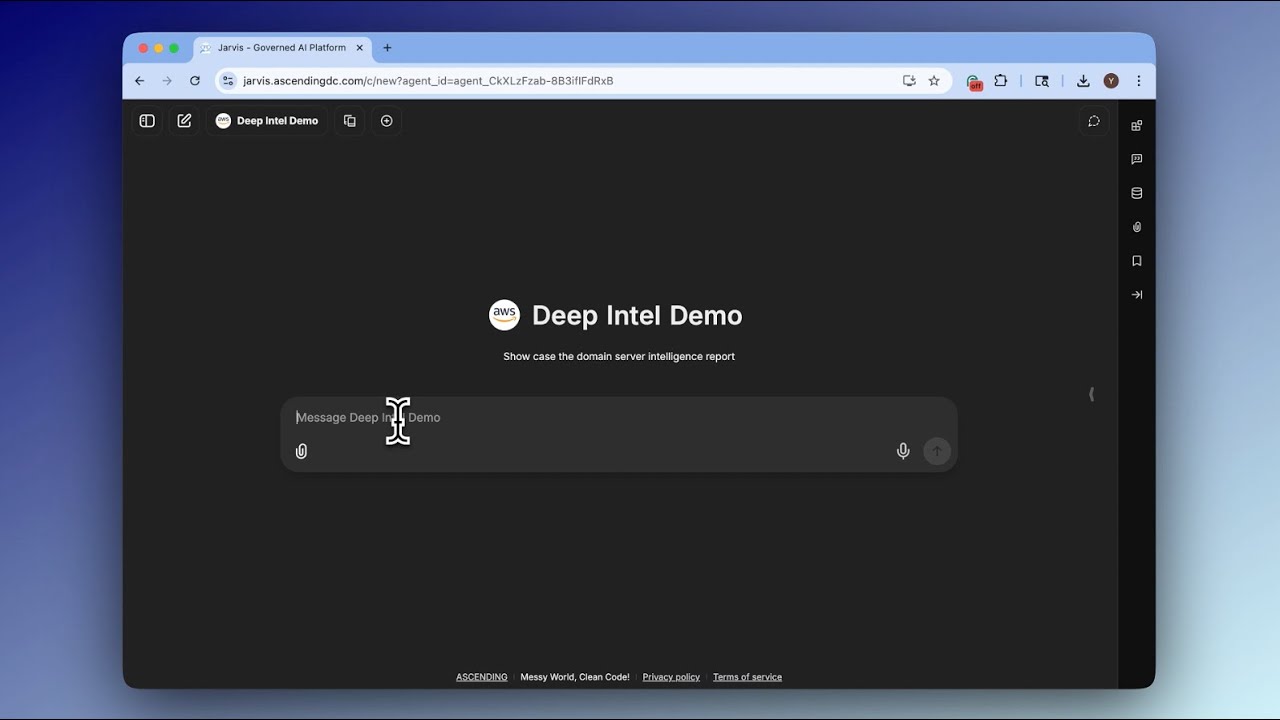
The workspace overview

A 1-minute introduction to the governed workspace: how a team reaches multiple models through 1 interface, and where the access policy sits between the user and the model.

Meet Jarvis: Simplifying AI Adoption · 1 min 8 sec
Rollout

How to get a workspace running

A first workspace is normally live for a pilot team well before any organisation-wide announcement. These 5 steps are the sequence ASCENDING follows on customer deployments, and each is independently reversible.

  1. Procure through a marketplace. Subscribe on AWS Marketplace or Azure Marketplace so the licence draws down existing cloud commitment.

  2. Deploy to your cluster. Install into an existing EKS, AKS, or GKE namespace in the region where the source data already lives.

  3. Connect identity. Bind Azure EntraID and map existing security groups onto roles and per-model entitlements.

  4. Attach knowledge. Upload the first document set or connect an internal source, then confirm citations resolve to the right records.

  5. Set guardrails, then invite users. Enable PII redaction and topic policy, review the first week of audit logs, and widen access from there.

In practice

Model choice and deployment surface

Two design decisions separate a governed workspace from a wrapper around one model API: which providers a team can reach, and where the interface actually appears for users.

Multiple language model providers integrated behind a single governed chat interface
Several model providers sit behind one interface, switchable per conversation.
Governed enterprise AI chat embedded inside an existing internal company portal
The workspace can be embedded into a portal your teams already use.
Access control mapping enterprise identity groups to per-model chat permissions
Identity groups map onto per-model and per-source entitlements.
Enterprise knowledgebase grounding chat answers in internal company documents
The knowledgebase grounds answers in your own documents, with citations.
FAQ

Frequently asked questions

These are the questions that decide whether a governed workspace replaces the public AI tools employees are already using.

The difference is where the data goes. This workspace is licensed software deployed into your own cluster, so prompts, responses, and uploaded documents never leave your account.

Everything else follows from that: identity-bound access, per-team model entitlements, and an audit log you own rather than one you request from a vendor.

Yes. ACL entries scope models individually, so a research team and a support team can be entitled to different providers under the same deployment.

Model choice therefore becomes a policy decision rather than a procurement decision repeated per team.

The enterprise knowledgebase lets teams upload documents and connect internal sources, and answers cite the records they came from rather than generic web content.

Retrieval is identity-bound, so a user only ever gets answers from sources they are already permitted to read.

Yes. The workspace can connect to Jarvis Registry to discover and invoke governed agents and MCP tools, which is how a conversation turns into an action.

Neither product requires the other — they are independent, and either can be deployed first.

See all questions
Related resources

Jarvis resources

The workspace is one half of the platform. These pages cover the governance layer behind it and the detailed question set.

Sources

Standards and references

ASCENDING is an AWS Advanced Tier Services Partner with the AWS Generative AI Competency, and builds Jarvis as licensed software that runs inside your own cloud account. The sources below cover the model runtime and the control frameworks referenced above.