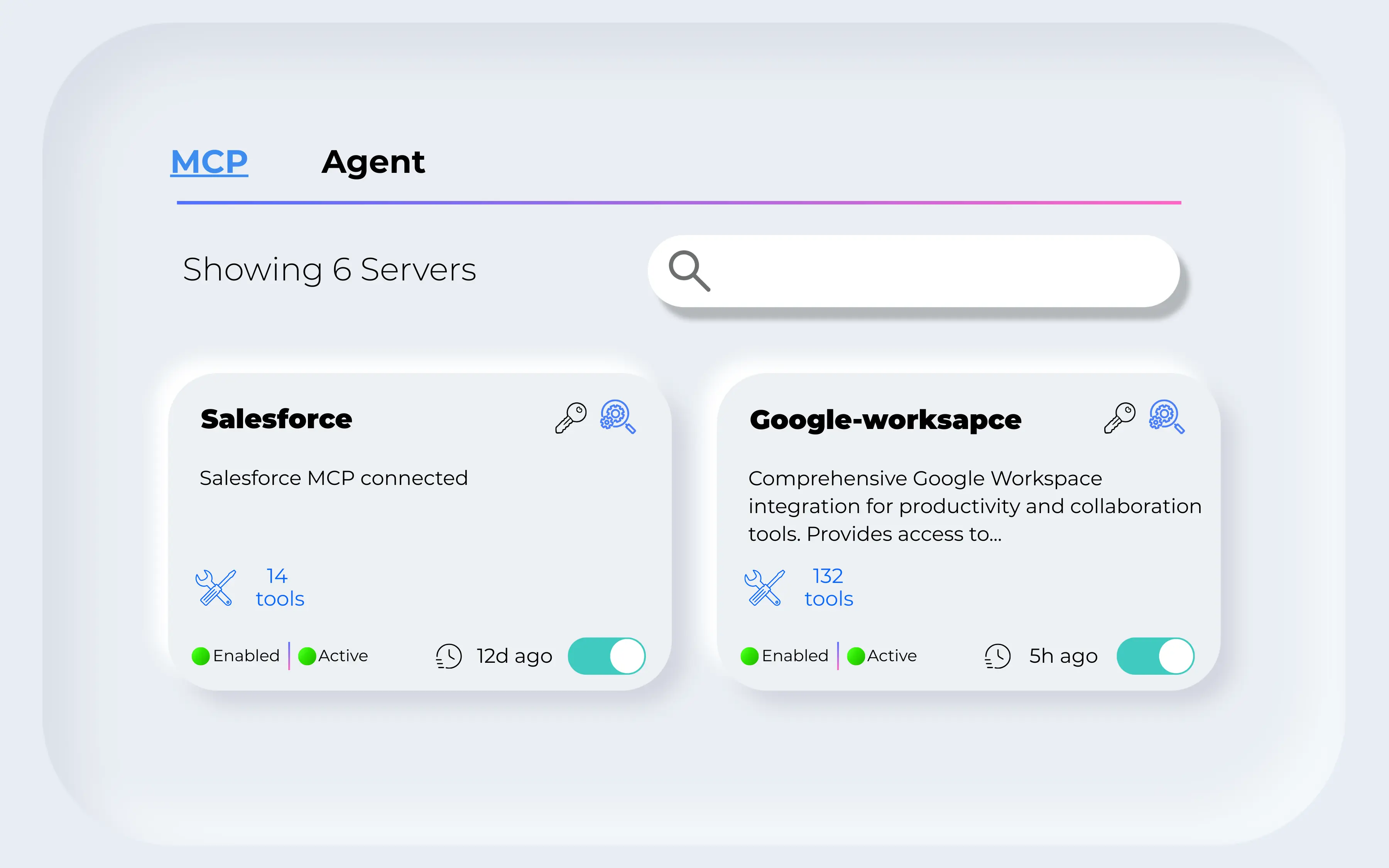



Find the approved tool
Check how developers discover a tool, identify its owner, and distinguish approved resources from unapproved ones. Review the Agent Registry for agent ownership and lifecycle requirements.
One gateway unifying AI stack. Governed, observable, and always discoverable.
Centralized discovery, routing, authentication, and governance for all MCP servers and AI agents.




Start with one copilot, one enterprise tool, and two user roles. Use that workflow to evaluate discovery, runtime access, and the evidence your team needs to investigate a call.
Check how developers discover a tool, identify its owner, and distinguish approved resources from unapproved ones. Review the Agent Registry for agent ownership and lifecycle requirements.
A catalog entry is not the same as permission to execute a tool. Evaluate how the MCP Gateway and your identity provider apply access rules to the actual request.
Ask to follow a request from the client to the tool and inspect the available identity, timing, and outcome records. For agent-to-agent flows, include the Agent Gateway in the review.
Compare the gateway and registry control points, review Jarvis Registry, Obot, and Gravitee, or explore the enterprise MCP registry architecture before your demo.
Everything you need to govern, discover, and manage AI tool access.
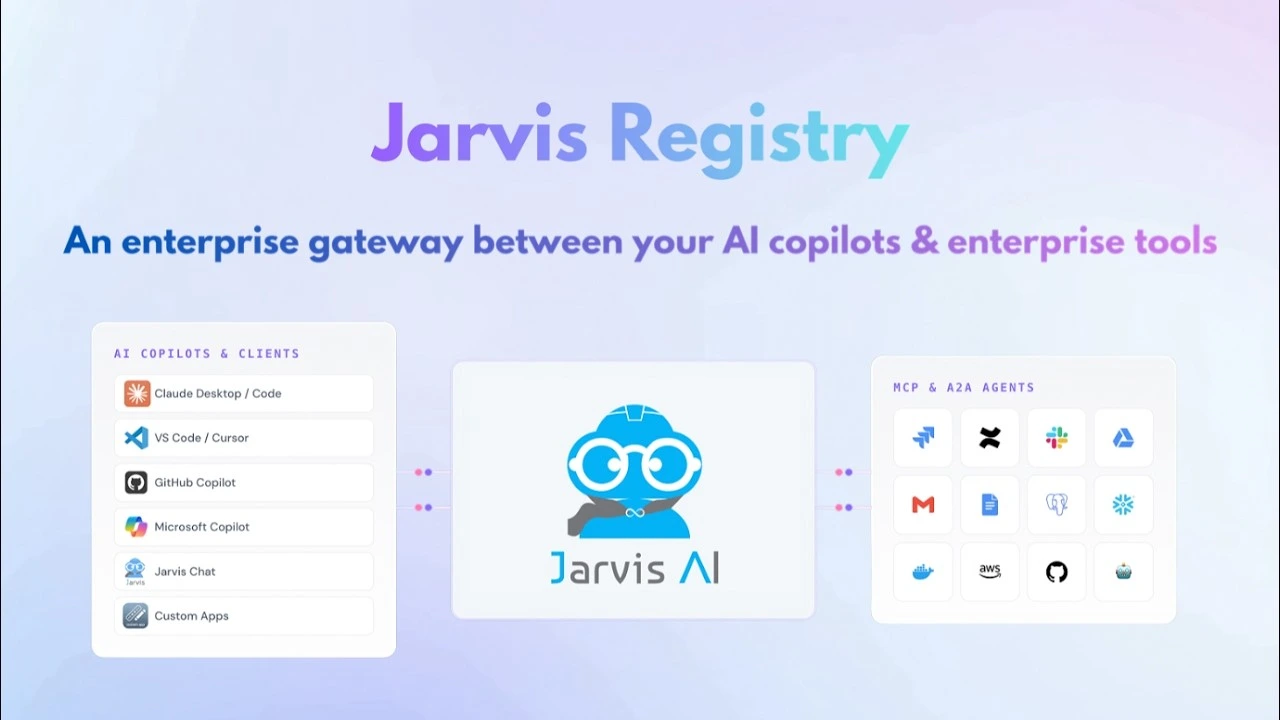
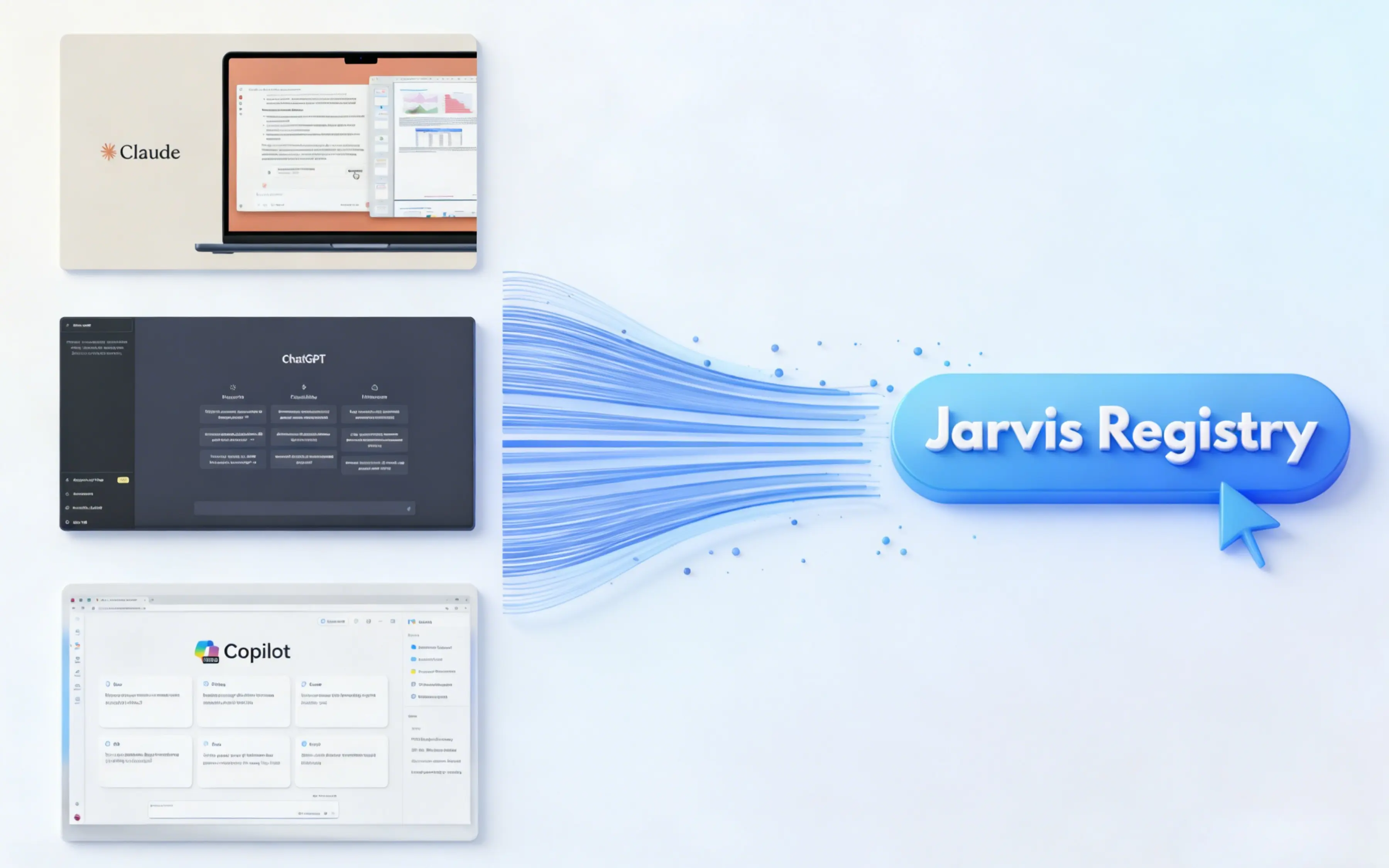
Integrates with Claude, VS Code, Cursor, GitHub Copilot, Microsoft Copilot, and Jarvis Chat. One registry, every client.
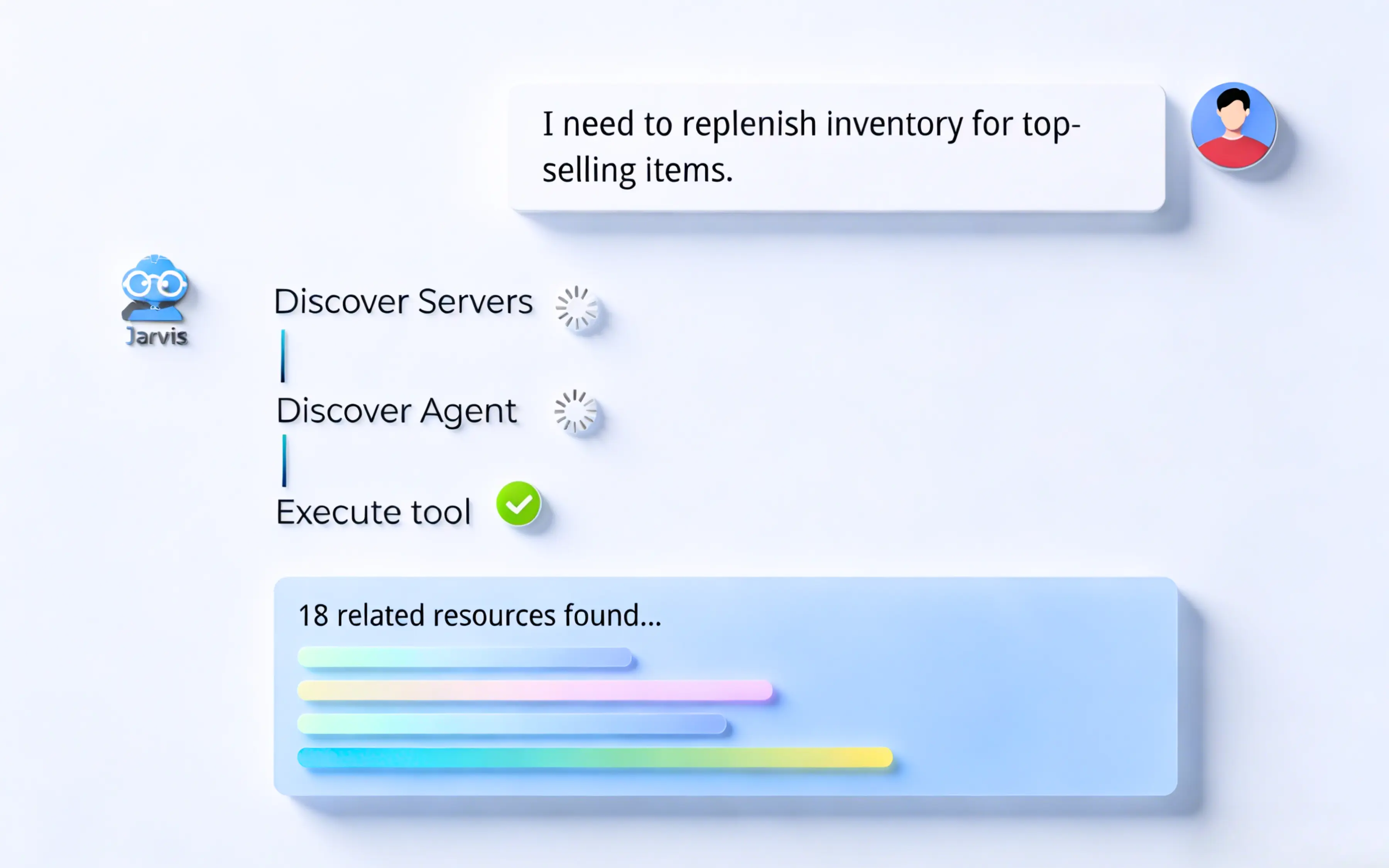
Intelligent tool discovery and routing based on context and permissions. Copilots find the right tools automatically — no manual config needed.
Fine-grained access controls at the tool level with OAuth/SAML integration and complete audit trails for every AI interaction.
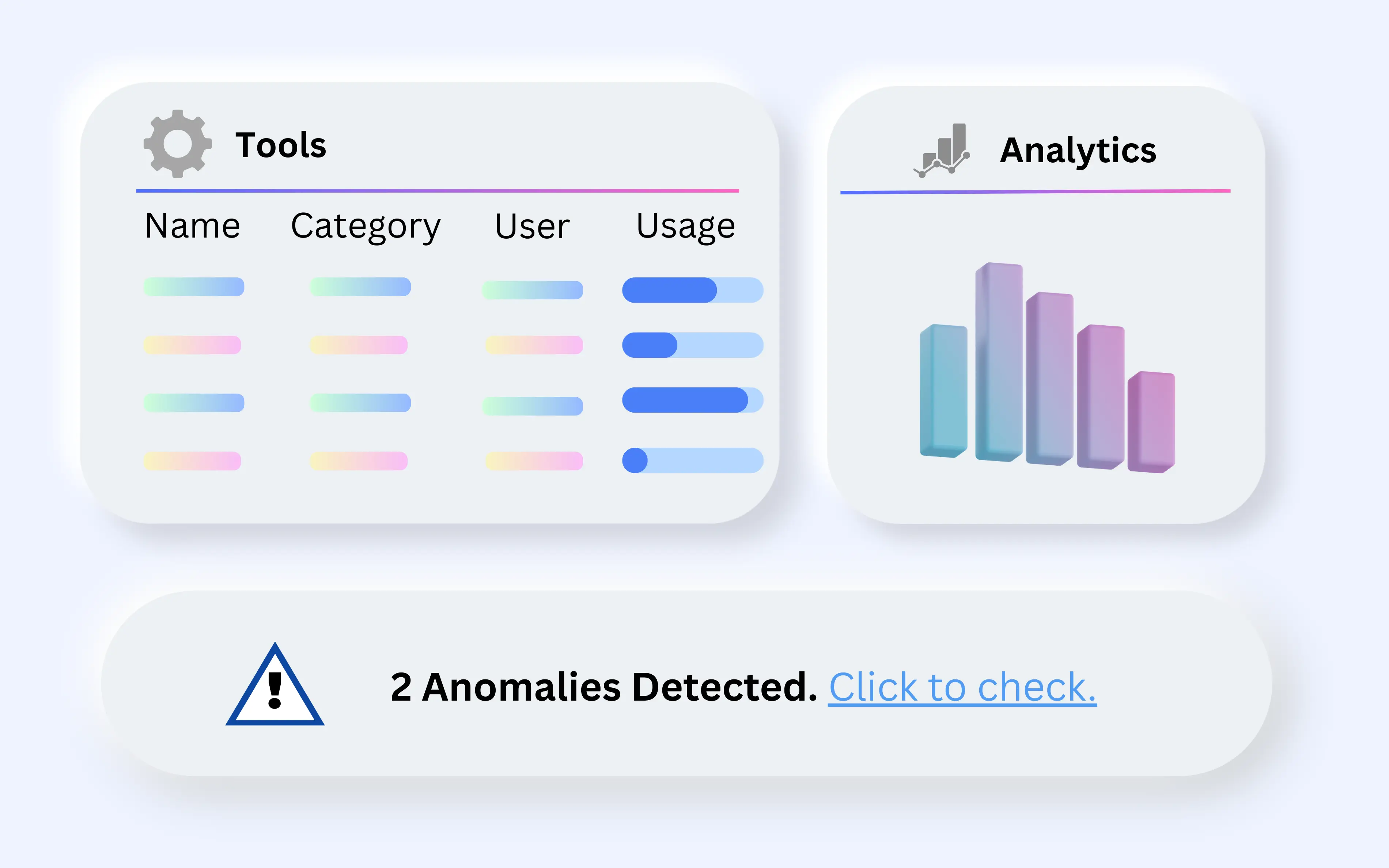
Real-time monitoring, analytics, and audit trails. See what's being called, by whom, and catch anomalies early.
Jarvis Registry acts as the universal gateway — connecting any AI client to your enterprise tools.
See how Jarvis Registry can bring order to your AI tool ecosystem with enterprise-grade governance.
Jarvis Registry is the governed gateway between AI clients and the tools and agents an enterprise already runs. It combines an MCP gateway, an agent gateway, and a catalog. These 6 rows cover what platform owners check first.
| Capability | What the registry provides |
|---|---|
| Client support | Any MCP-compatible client, including Microsoft Copilot, GitHub Copilot, Claude Desktop, ChatGPT, VS Code, and Cursor. |
| Protocols | MCP for tool discovery and invocation, A2A for agent-to-agent calls, and OAuth 2.0 for delegated authorisation. |
| Identity model | Azure EntraID authentication with RBAC, layered with ACL entries scoping each tool and agent to named teams. |
| Federation | Existing AWS and Azure agents register in place — 2 clouds, 1 catalog, no redeploy and no second runtime. |
| Egress control | Outbound calls are OAuth-governed, so a copilot reaches only the systems its policy entry explicitly allows. |
| Audit trail | Every tool call, agent hop, and routing decision is logged in your environment and can be forwarded to a SIEM. |
The registry is an implementation of published protocols rather than a proprietary integration layer, and that is checkable. Each row below names the specification or the count behind the capability it describes.
| Specification | Value |
|---|---|
| Client compatibility | Any MCP client; 6 named — Microsoft Copilot, GitHub Copilot, ChatGPT, Claude Desktop, VS Code, Cursor |
| Tool protocol | Model Context Protocol (MCP) over JSON-RPC 2.0, published November 2024 |
| Agent protocol | A2A invocation with per-agent OAuth 2.0 client credentials |
| Authorization | OAuth 2.0 (RFC 6749), Bearer usage per RFC 6750 |
| Egress scoping | Resource Indicators for OAuth 2.0 (RFC 8707) |
| Public-client flows | PKCE (RFC 7636) |
| Identity federation | OpenID Connect Core 1.0 and SAML 2.0 via Azure EntraID |
| Access model | RBAC plus per-tool ACL, evaluated on every invocation |
| Federated clouds | 2 — AWS AgentCore and Azure AI Foundry, 0 redeploys required |
| Integration surface | 1 endpoint for every client instead of 1 integration per server |
| Transport security | TLS 1.2 minimum, TLS 1.3 preferred (RFC 8446) |
| Telemetry | OpenTelemetry OTLP — 1 span per tool call and agent hop |
| Denial responses | HTTP 401 unauthenticated, HTTP 403 policy denial, HTTP 429 rate limited |
| Zero-trust reference | NIST SP 800-207 (2020) |
| Runtimes | 3 managed Kubernetes services — Amazon EKS, Azure AKS, Google GKE |
| Customer rating | 5 out of 5 from 1 verified AWS Marketplace review |
A 2-minute walkthrough of the problem the registry solves: copilots that cannot reach internal context, and the governed layer that connects them to MCP servers, knowledge bases, and agents.
Onboarding is a configuration exercise rather than a migration, because the gateway fronts the MCP servers and agents you already operate. These 5 steps go from an empty catalog to a governed copilot integration.
Deploy into your cluster. Install on an existing Kubernetes cluster — Amazon EKS, Azure AKS, or Google GKE — inside your own account.
Connect identity first. Bind Azure EntraID and map existing groups to roles before a single tool is exposed to anyone.
Register what already exists. Point the catalog at running MCP servers and cloud agents; they keep their current runtime and release cycle.
Write the access policy. Define per-tool and per-agent ACL entries so each team sees only the catalog entries its work requires.
Attach the copilots. Point Microsoft Copilot, Claude, VS Code, or Cursor at the endpoint and verify the audit trail captures each call.
The catalog is what turns tool sprawl into something governable, and the single endpoint is what stops every copilot integration from becoming its own project.
The questions below are the ones that determine whether adopting a registry is a configuration change or a re-platforming exercise.
No. Registration is configuration only: servers stay where they are, keep their runtime, and keep their existing release process.
What changes is the path clients take — instead of each copilot integrating with each server, every client connects to 1 governed endpoint.
Any MCP-compatible client. In practice that covers Microsoft Copilot, GitHub Copilot, Claude Desktop, ChatGPT, VS Code, and Cursor.
Because compatibility is defined by an open protocol rather than a partner list, a new client that speaks MCP works without waiting for an integration.
Azure EntraID authenticates the caller and RBAC establishes the role, then a per-tool ACL entry scopes exactly which catalog entries that role may invoke.
Policy is evaluated on every invocation, so tightening a rule takes effect immediately rather than at the next deployment.
Every tool call, agent action, and routing decision is logged, and the logs stay inside your environment where they can feed existing SIEM tooling.
That trail is what supports compliance review in regulated sectors including finance, healthcare, and government.
The registry is made up of two gateways plus a catalog. These pages go deeper on each part.
ASCENDING is an AWS Advanced Tier Services Partner with the AWS Generative AI Competency, and builds Jarvis as licensed software that runs inside your own cloud account. Reading the underlying specifications is the fastest way to judge how portable a deployment is.